Is your Singapore or imported phone eSIM-compatible?
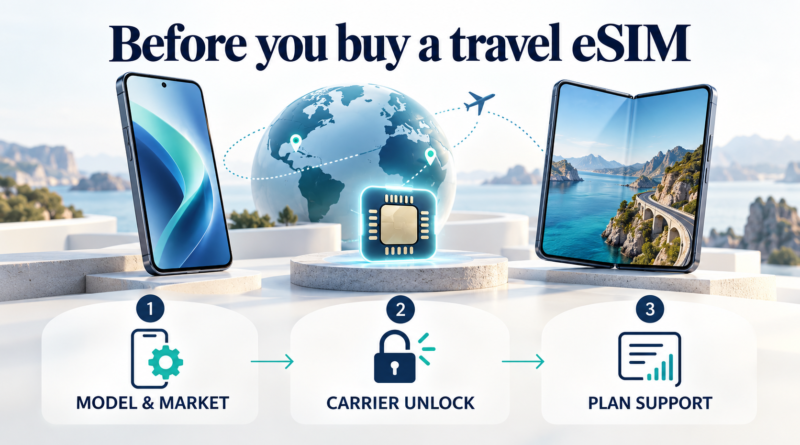
Before buying a travel eSIM, check three things: your exact phone variant supports eSIM, it is unlocked if you need another provider, and the intended provider accepts that device for your chosen plan. Our recommendation is to pause the purchase if any check remains unresolved. A model name or an eSIM settings menu alone is insufficient confirmation.
Illustration: AI-generated; devices are conceptual.
1. Check the exact variant and purchase origin
Record the model number and where the phone was originally sold, especially for an imported handset. Apple describes travel-eSIM support for iPhone XS, XS Max, XR and subsequent models, subject to regional exceptions. Some Hong Kong and Macao versions instead use two physical nano-SIMs, so this minimum-generation baseline does not establish support for every variant. See Apple’s travel-eSIM guidance and regional exceptions.
Samsung says eSIM availability depends on the country and operator. A phone’s country of origin can prevent support even when its model appears on a supported-device list. Check the exact variant against Samsung Singapore’s eSIM guidance.
2. Establish whether it is unlocked
For an iPhone, open Settings > General > About. Apple identifies No SIM Restrictions beside Network provider Lock as the unlocked indicator. Using a different provider requires an unlocked phone.
For Google Pixel (Android), Google explains that the purchase channel can affect SIM-lock status and that changing providers requires a SIM-unlocked phone. If the status is unclear, our recommendation is to resolve it with the selling network before buying. Hardware eSIM support and unlocking are separate checks: see Google’s SIM-unlock and network guidance.
3. Where to look: iPhone (iOS) and Android
The Android examples below cover Samsung Galaxy and Google Pixel. For another Android brand, use that manufacturer’s instructions.
| Platform / phone | Where to look | What remains to confirm |
|---|---|---|
| iPhone (iOS) | Settings > General > About | Check the unlock indicator, then confirm exact-variant support, the plan and mobile-network bands for the destination. |
| Android — supported Samsung Galaxy | Settings > Connections > SIM manager > Add eSIM | Country, variant and operator support. |
| Android — Google Pixel | Settings > Network and Internet > SIMs > Add SIM > Set up an eSIM | Operator support and device acceptance; operator-specific steps can differ. |
For a Pixel not bought from the intended operator, Google advises confirming that the operator supports eSIM and checking the phone’s IMEI or device ID with it. Follow Google’s Pixel eSIM setup guidance.
Once exact-variant support and any required unlock are established, ask the intended provider to confirm your device and chosen plan for the destination. Do not assume eSIM support guarantees every network feature: Google warns that some Pixel variants do not support every 5G network. Buy only once all three checks are resolved; this screening process cannot guarantee activation.
Last checked: 31 October 2026. Based on official manufacturer guidance, without hands-on testing. This is a screening checklist, not an exhaustive compatibility list. Confirm your exact device and plan with the provider before buying.